Mappedin Print

Bridging the digital and physical worlds of wayfinding

Tasks

Product Design, User Research, User Testing, Prototyping

Date

2018/2019

Results

2x faster to produce print maps compared to previous workflows; Provided customer cost-savings by reducing design hours; Successfully translated the digital map experience to a static, printed format

Context

Mappedin was primarily focused on digital wayfinding solutions, but many of our customers still needed physical maps for their venues. The existing process to create these maps was costly and time-consuming, requiring manual conversion from digital data to print-ready formats. We identified an opportunity to streamline this process by creating a tool that would allow customers to generate high-quality, print-ready maps directly from their existing digital map data.

Problem Areas

Despite having sophisticated digital mapping capabilities, Mappedin lacked an efficient way to translate these digital assets into print format, creating friction for customers who needed both digital and physical maps.
Customers faced a costly and time-consuming process to manually produce print maps.

Customers faced a costly and time-consuming process to manually produce print maps.

Translating interactive digital maps into static printed format while maintaining clarity was error-prone and led to inconsistencies.

Translating interactive digital maps into static printed format while maintaining clarity was error-prone and led to inconsistencies.

Updating print materials required significant effort from external designers.​

Updating print materials required significant effort from external designers.​

Key Considerations

Developing a system to translate digital map data into print-ready formats.​

Developing a system to translate digital map data into print-ready formats.​

Ensuring compatibility with industry-standard design tools like Adobe InDesign.​

Ensuring compatibility with industry-standard design tools like Adobe InDesign.​

Maintaining visual clarity and readability in static formats.​

Maintaining visual clarity and readability in static formats.​

Facilitating easy updates and customization without extensive redesigns.​

Facilitating easy updates and customization without extensive redesigns.​

Design Process

Discovery & Definition

We conducted research across various map contexts including mall directories, subway systems, airports, and trail networks to identify best practices for print map design. We interviewed customers about their existing print workflows to understand pain points and desired outcomes.

Exploration & Ideation

We explored different approaches to map representation and information hierarchy. We sketched various wayfinding systems and created layouts to visual potential design directions, focusing on user orientation and readability.

Design & Prototyping

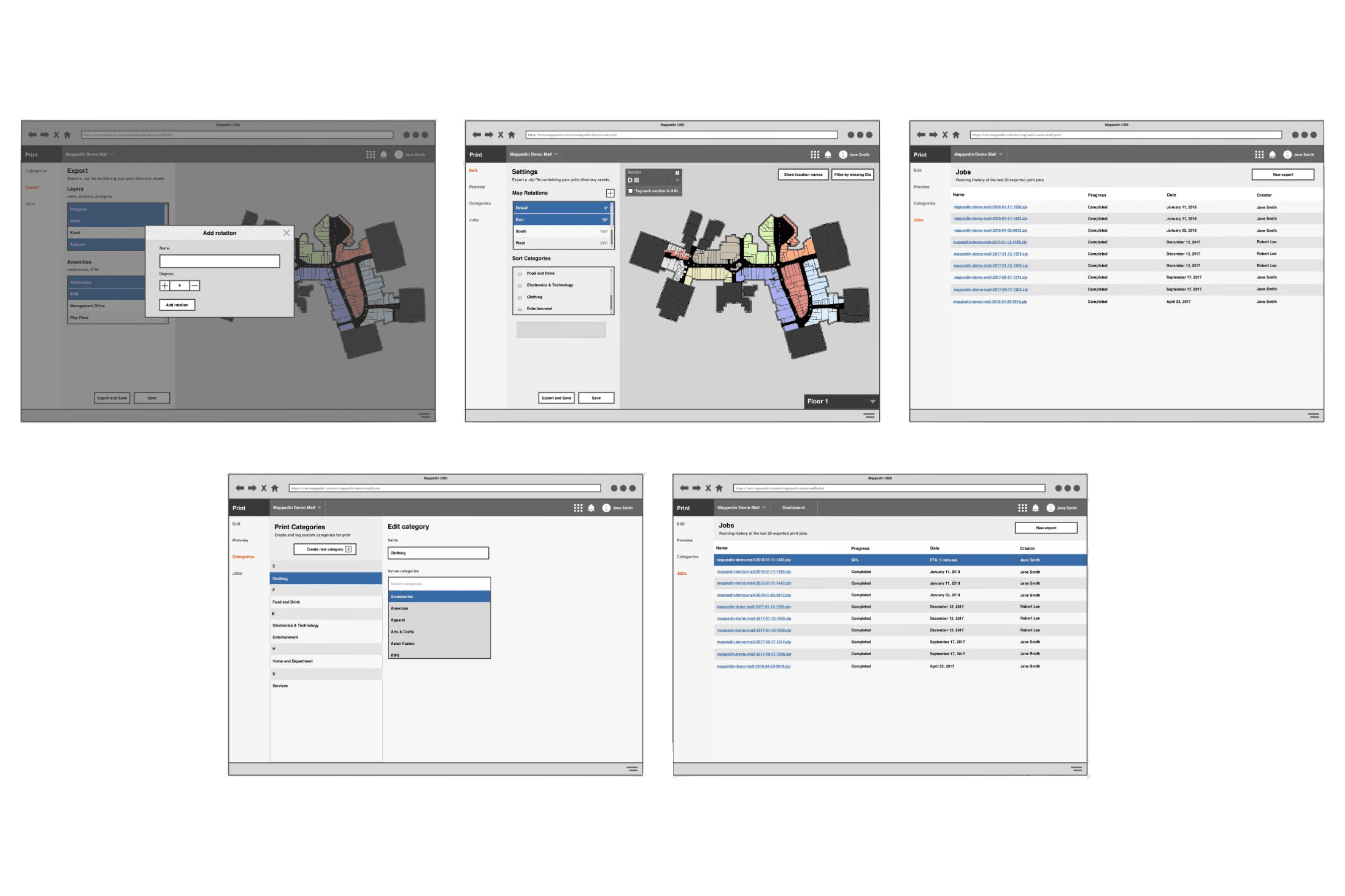
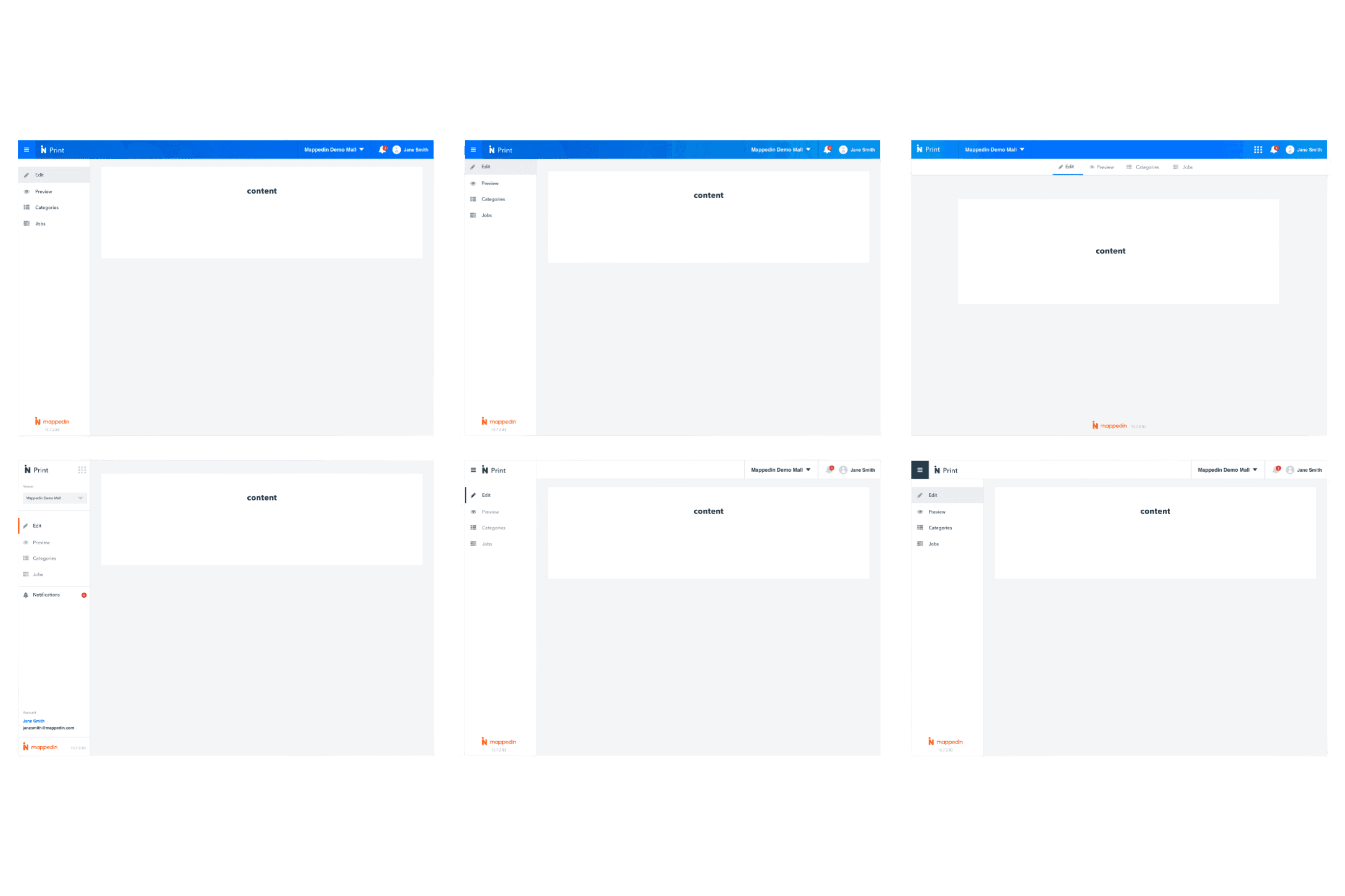
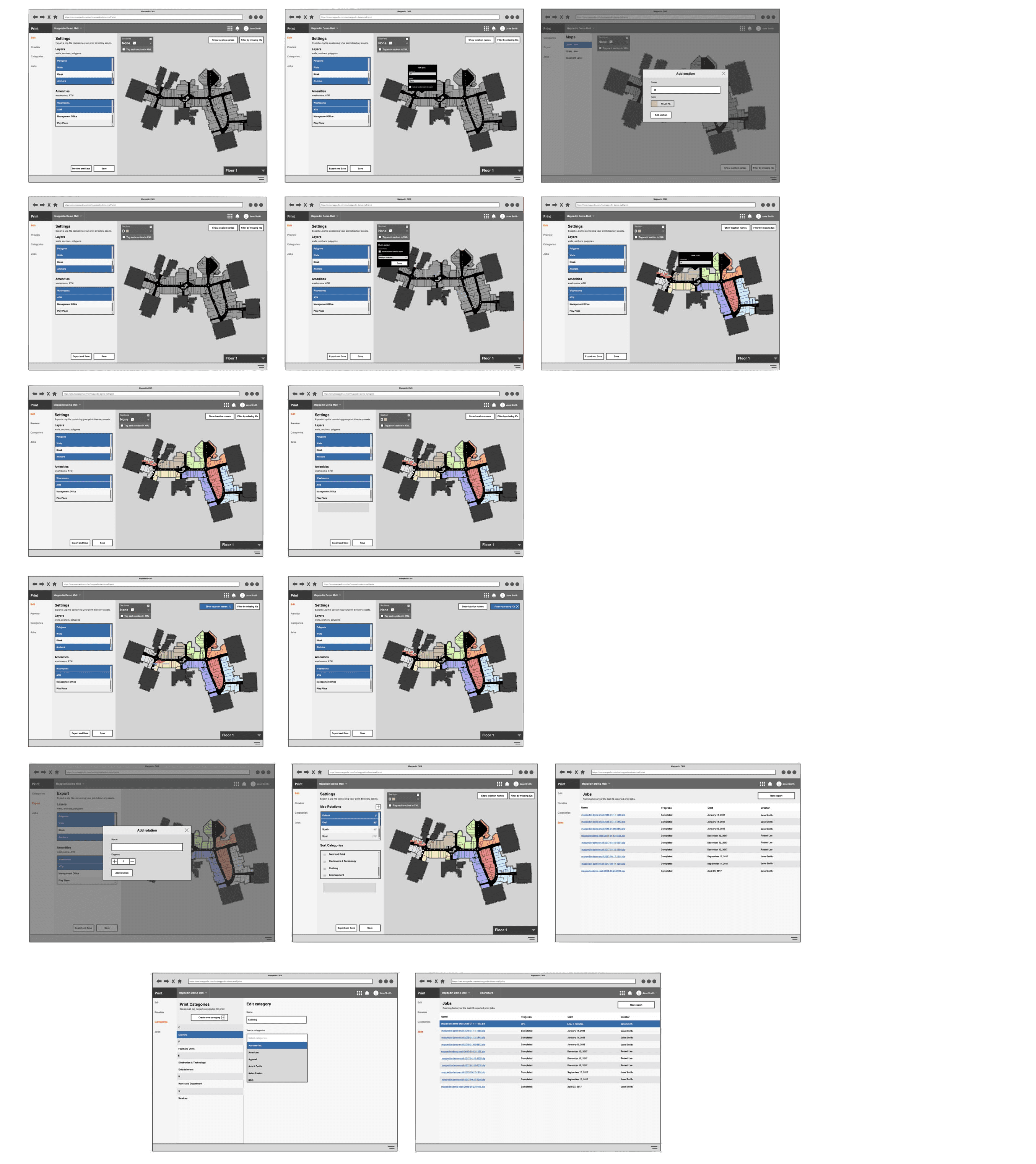
We created low-fidelity prototypes to test labeling systems and map layouts with pilot customers. Using an iterative approach, we refined key interactions within the map editor based on user feedback and technical feasibility.

Refinement & Release

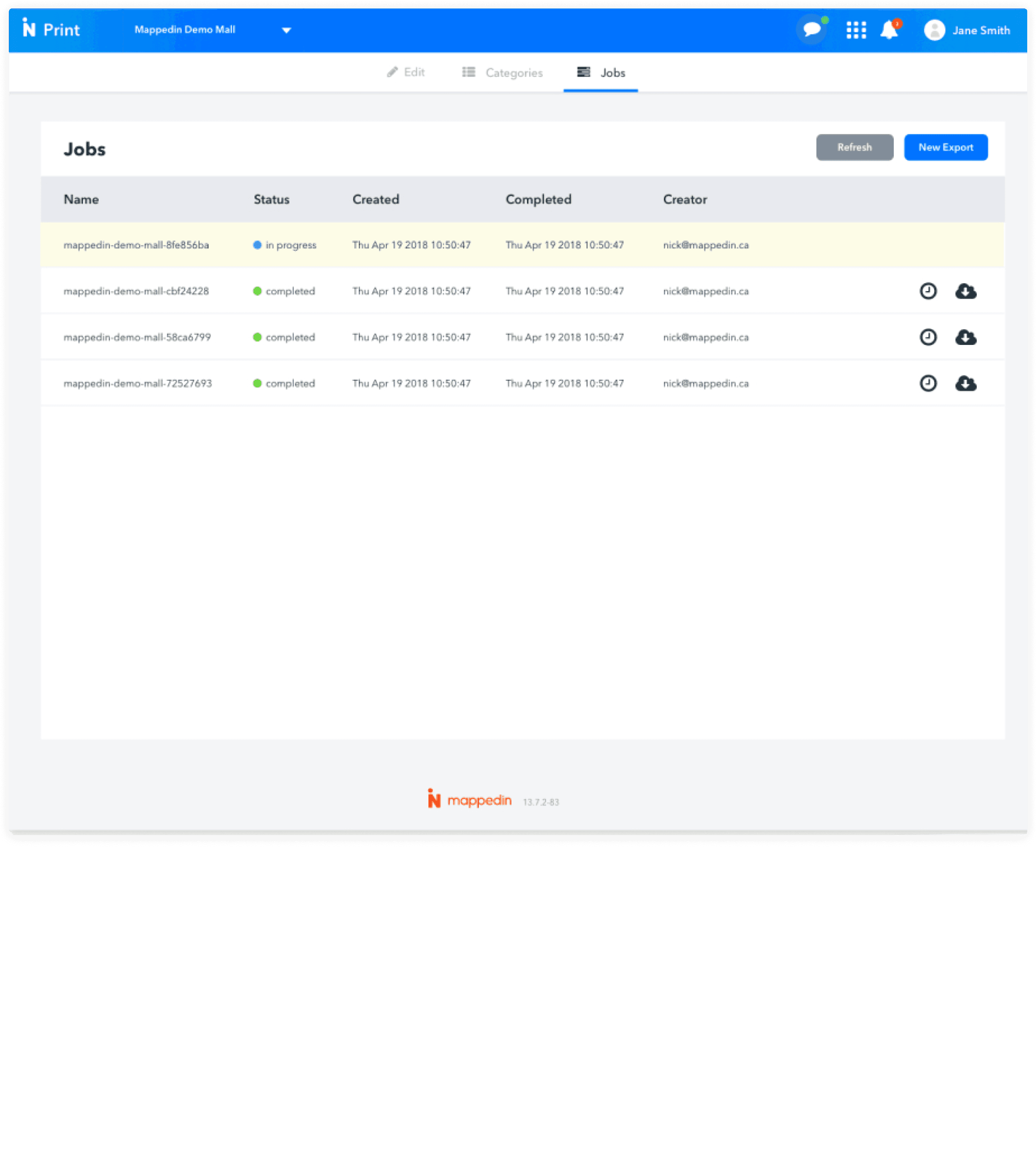
We tested the export workflow with design teams to ensure compatibility with Adobe InDesign. Customer feedback guided our final refinements before launching the tool to Mappedin's broader customer base.

Design Process

Discovery & Definition

We conducted research across various map contexts including mall directories, subway systems, airports, and trail networks to identify best practices for print map design. We interviewed customers about their existing print workflows to understand pain points and desired outcomes.

Exploration & Ideation

We explored different approaches to map representation and information hierarchy. We sketched various wayfinding systems and created layouts to visual potential design directions, focusing on user orientation and readability.

Design & Prototyping

We created low-fidelity prototypes to test labeling systems and map layouts with pilot customers. Using an iterative approach, we refined key interactions within the map editor based on user feedback and technical feasibility.

Refinement & Release

We tested the export workflow with design teams to ensure compatibility with Adobe InDesign. Customer feedback guided our final refinements before launching the tool to Mappedin's broader customer base.

Challenges

We explored various approaches to extract relevant data from the digital wayfinding system and transform it into print-ready formats.

Digital wayfinding systems often use highly granular venue categories (sometimes dozens or hundreds), which would be overwhelming on a printed map. Determining how to intelligently consolidate these categories required both algorithmic approaches and human input.

Digital wayfinding systems often use highly granular venue categories (sometimes dozens or hundreds), which would be overwhelming on a printed map. Determining how to intelligently consolidate these categories required both algorithmic approaches and human input.

Digital maps can zoom to reveal details, but print maps have fixed dimensions. Store identifiers, especially in dense retail environments, often wouldn't fit within their polygons at readable sizes, requiring intelligent callout systems.

Digital maps can zoom to reveal details, but print maps have fixed dimensions. Store identifiers, especially in dense retail environments, often wouldn't fit within their polygons at readable sizes, requiring intelligent callout systems.

The system needed to support automatic generation of maps in different orientations without requiring manual repositioning of identifiers and other elements.

The system needed to support automatic generation of maps in different orientations without requiring manual repositioning of identifiers and other elements.

For maximum flexibility, the system needed to output files that could be further refined in industry-standard design applications, requiring careful consideration of file formats and structures.

For maximum flexibility, the system needed to output files that could be further refined in industry-standard design applications, requiring careful consideration of file formats and structures.

Solutions

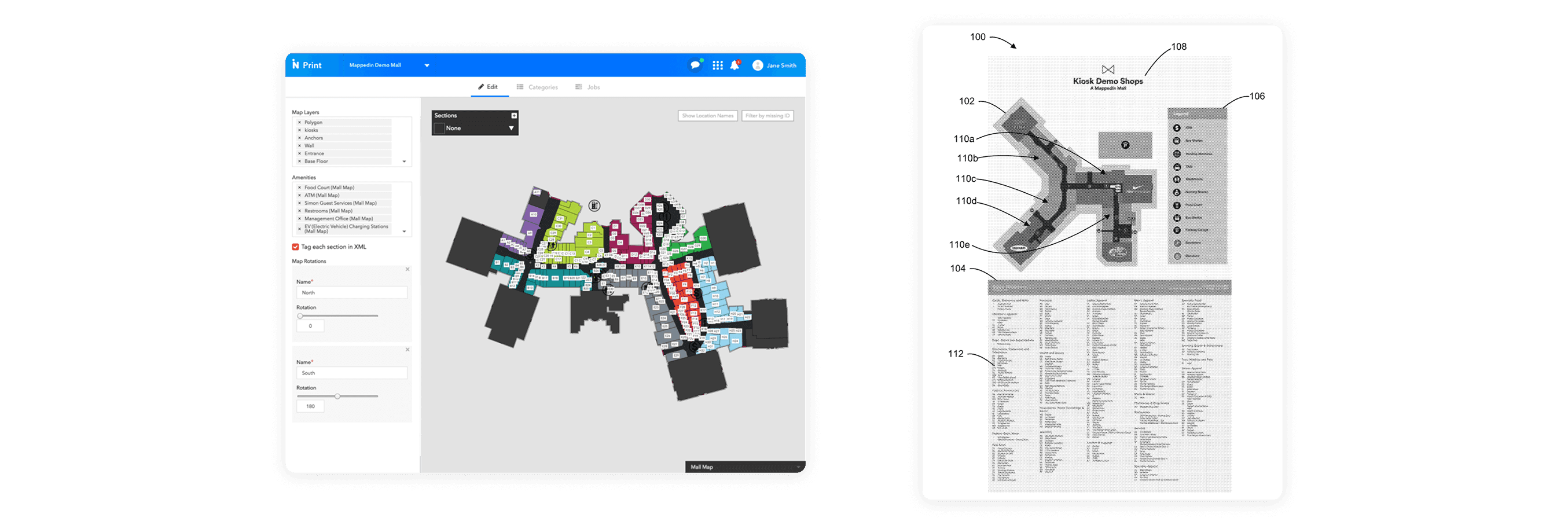
We developed a system that creates three distinct but interconnected files from wayfinding data:

  • A PDF containing the vector map of the facility

  • An SVG file with graphical representations of identifiers and icons

  • An XML file with textual representations for directory listings

We developed a system that creates three distinct but interconnected files from wayfinding data:

  • A PDF containing the vector map of the facility

  • An SVG file with graphical representations of identifiers and icons

  • An XML file with textual representations for directory listings

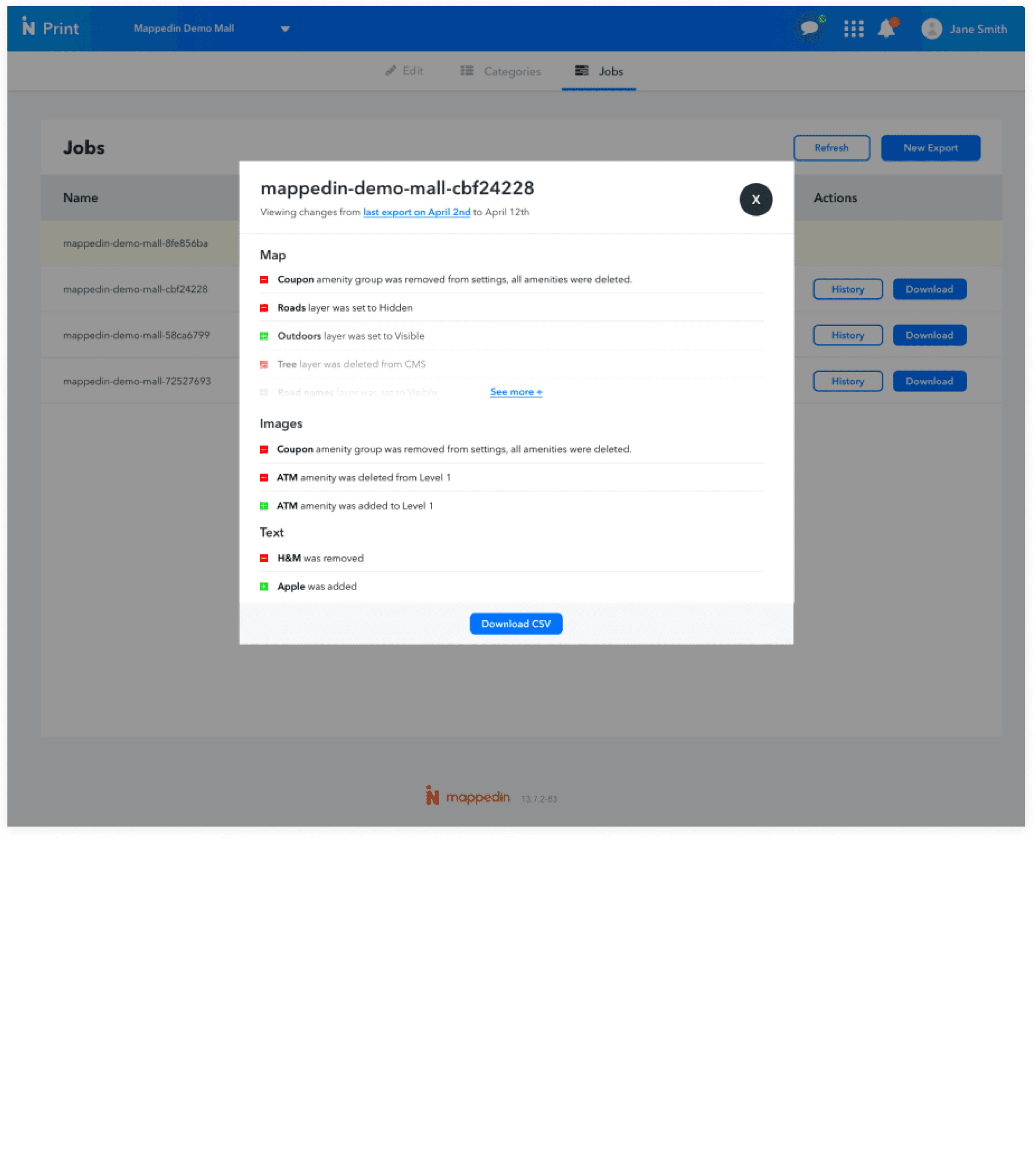
We created an interface for managing venue categories and their association with print categories, including alerts when digital categories weren't properly mapped to print versions. This ensured consistent representation across formats while simplifying the visual complexity for printed materials.

We created an interface for managing venue categories and their association with print categories, including alerts when digital categories weren't properly mapped to print versions. This ensured consistent representation across formats while simplifying the visual complexity for printed materials.

The system intelligently generates and places identifiers based on multiple factors:

  • Physical size of the facility unit

  • Location within special or high-traffic areas

  • Available space within polygon boundaries

When identifiers won't fit within polygons at readable sizes, the system automatically creates callout identifiers with lead lines.

The system intelligently generates and places identifiers based on multiple factors:

  • Physical size of the facility unit

  • Location within special or high-traffic areas

  • Available space within polygon boundaries

When identifiers won't fit within polygons at readable sizes, the system automatically creates callout identifiers with lead lines.

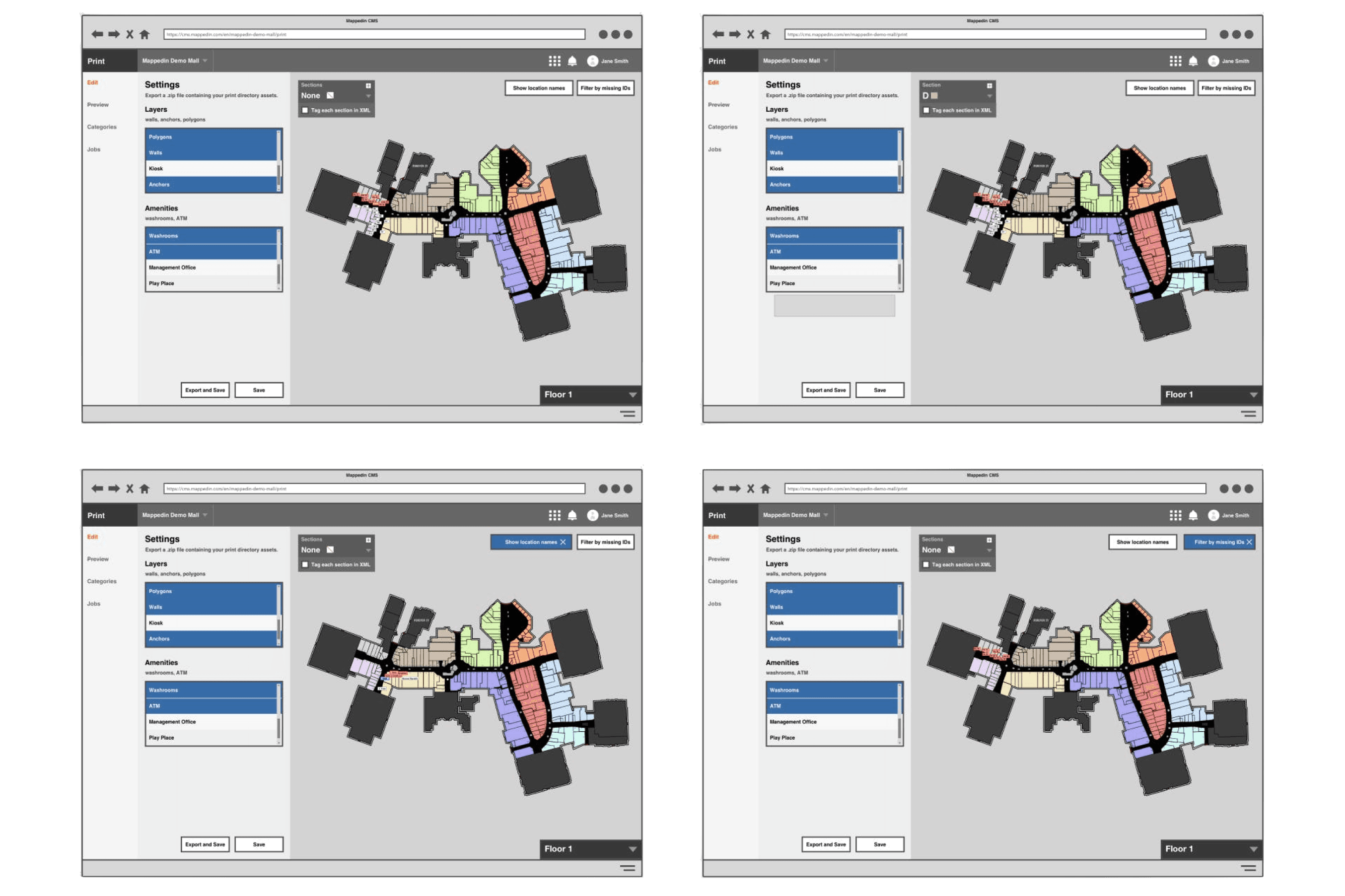
We built tools allowing users to selectively include map layers relevant to their needs, controlling which facility elements (units, amenities, obstructions) appear on the final map. This gives designers control over information density while maintaining data integrity.

We built tools allowing users to selectively include map layers relevant to their needs, controlling which facility elements (units, amenities, obstructions) appear on the final map. This gives designers control over information density while maintaining data integrity.

The system allows for logical grouping and organization of map elements through section assignment, making it easier to create visually distinct areas within larger facilities.

The system allows for logical grouping and organization of map elements through section assignment, making it easier to create visually distinct areas within larger facilities.

Final Notes

The Mappedin Print tool represented a significant innovation in bridging the gap between digital and physical mapping. By leveraging existing digital map data and creating a streamlined export process, we enabled customers to maintain consistent wayfinding experiences across all touchpoints.

This project highlighted the importance of considering the complete ecosystem of customer needs, extending beyond just digital solutions to create a comprehensive mapping platform that works across both interactive and static environments.

Building digital things since 09'

© 2025

Building digital things since 09'

© 2025